Turn photos into coloring pages
Pick a photo of someone you love. Get a clean, printable coloring page. Make a whole coloring book.

How it works
Three taps from a photo on your phone to a page on the fridge.
- 1
Pick a photo
Choose one from your library or take one now. Pets, kids, houses, cars: anything you love.
- 2
Get your page
Keep the whole scene or just the subject on white. Your page is ready in about a minute.
- 3
Print and color
Print it, share it, or save it to Photos. Collect pages into a coloring book.
Made for families and classrooms
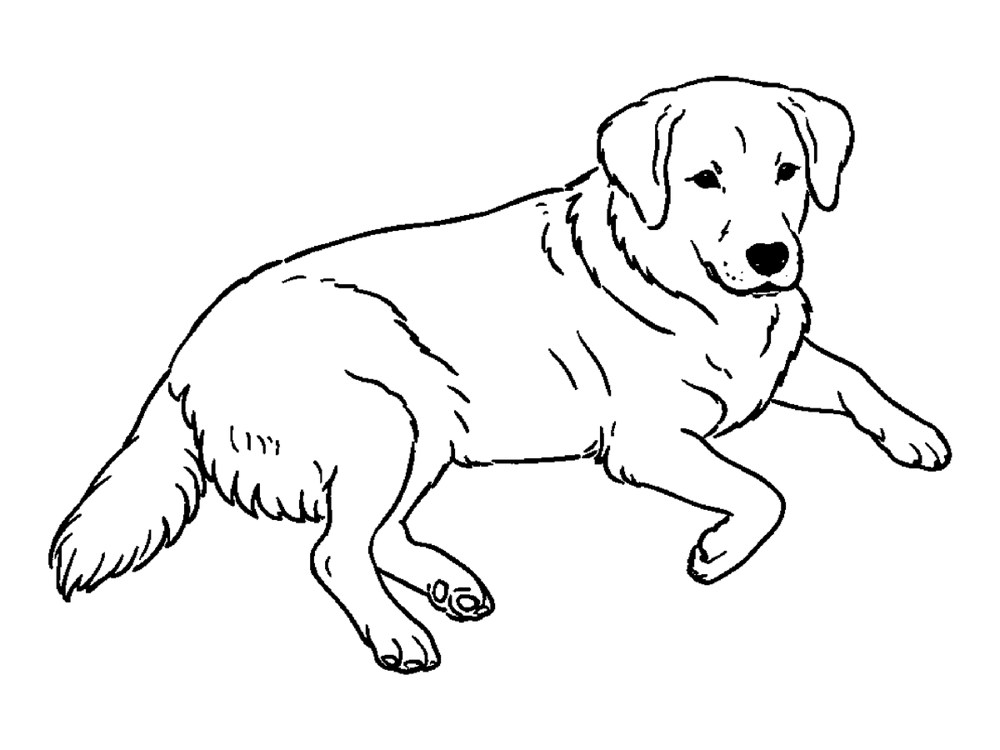
A coloring page of your own dog beats a generic one every time.
Coloring books in a tap
Pick up to 30 pages, set a title, and print the book or share it as a PDF. One page per sheet.
Whole scene or just the subject
Keep the background for a full picture, or only the main subject for younger kids.
Your pages stay on your phone
Pages are saved on your phone. We don’t keep your photos or pages on our servers.
No ads, no subscription
One free page to try, then one-time page packs that never expire.
Simple pricing
Prices are shown in the app in your currency.
Your first page is free
- One free coloring page on each phone
- No account, no sign-up
Page packs: 3, 10 or 30 pages
- One-time purchases, no subscription
- Pages never expire
- 1 page = 1 coloring page or 1 redo
Questions
What do I get for free?
Your first coloring page is on us. After that, page packs are one-time purchases in the app.
Is there a subscription?
No. Packs are one-time purchases. Pages never expire.
What happens to my photo?
It is sent to OpenAI only to draw your page, after you agree in the app. We don’t keep your photo or the page on our servers; the page is saved on your phone.
Can I print a whole book?
Yes. Pick pages in your library, save them as a book, then print it or share it as a PDF.
More answers on the support page.
Make your first page free
Crayonshot for iPhone and iPad.
Coming soon to the App Store